Server-Side Tracking, Explained Without the Jargon
The tracking setup most agencies skip — and the real reason your ad platforms are undercounting every job you book.
Server-side tracking sends your conversion data — bookings, calls, form fills — from your own server to Google and Meta, instead of straight from a visitor's browser. Ad blockers, Safari's privacy settings, and short cookie windows can't erase it. Every DeployStaff campaign includes this setup at no extra cost.
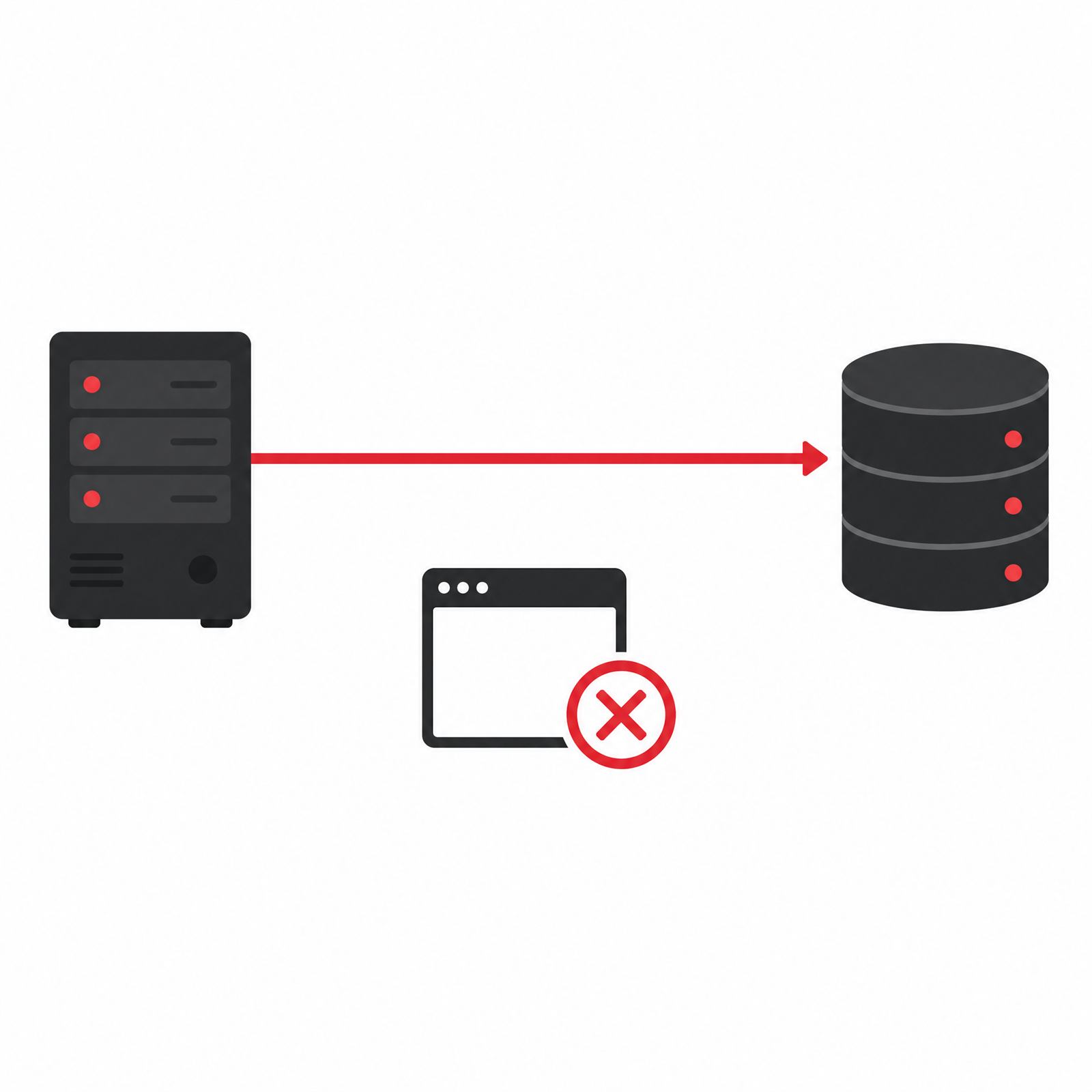
Why Browser-Only Tracking Is Breaking
Most agencies still track results the old way: a snippet of code sits on your website and reports every click and booking straight from the visitor's browser to Google or Meta. That worked fine for years. It doesn't anymore.
Safari and Firefox now delete tracking cookies after as little as seven days. Ad blockers — running on a growing share of phones and laptops — strip the tracking script out before it ever fires. Every one of those visitors still calls you, books with you, and becomes a real job. Your ad platform just never finds out.
The result: your campaigns look like they're underperforming, so the algorithm pulls back on the exact ads that are actually working.
How Server-Side Tracking Actually Works
Instead of relying on the visitor's browser to report back, we install a small tracking container on your own domain. When someone books a job or fills out a form, that event goes to your server first, then your server passes it on to Google and Meta directly.
Because the data comes from your domain rather than a third-party script, ad blockers don't recognize it as something to strip out. And because it doesn't depend on a browser cookie surviving a week, it doesn't disappear when Safari does its weekly cleanup.
"If your tracking can't survive an iPhone update, your ad platform is optimizing on guesses — not your real bookings."
Find out how many bookings your current tracking might be missing — free, no obligation.
Get My Free Campaign PlanWhat It Means for Your Ad Spend
Google and Meta both optimize toward whatever they can measure. Feed them accurate, complete data and they spend your budget on the audiences and ads that actually book jobs. Feed them a partial picture — missing a third or more of real conversions — and they optimize toward the wrong thing.
- Campaigns scale faster because the algorithm can see what's actually converting
- Cost per booked job drops as budget shifts toward real winners, not guesses
- Reporting reflects what's actually happening in your business, not a partial sample
How We Set It Up for You
This isn't a DIY plugin. Every DeployStaff campaign includes full setup, done for you:
Frequently Asked Questions
We run Google, Facebook, and ChatGPT Ads for roofing, med spa, dental, and restaurant businesses — flat fee, no contracts, server-side tracking included on every campaign.